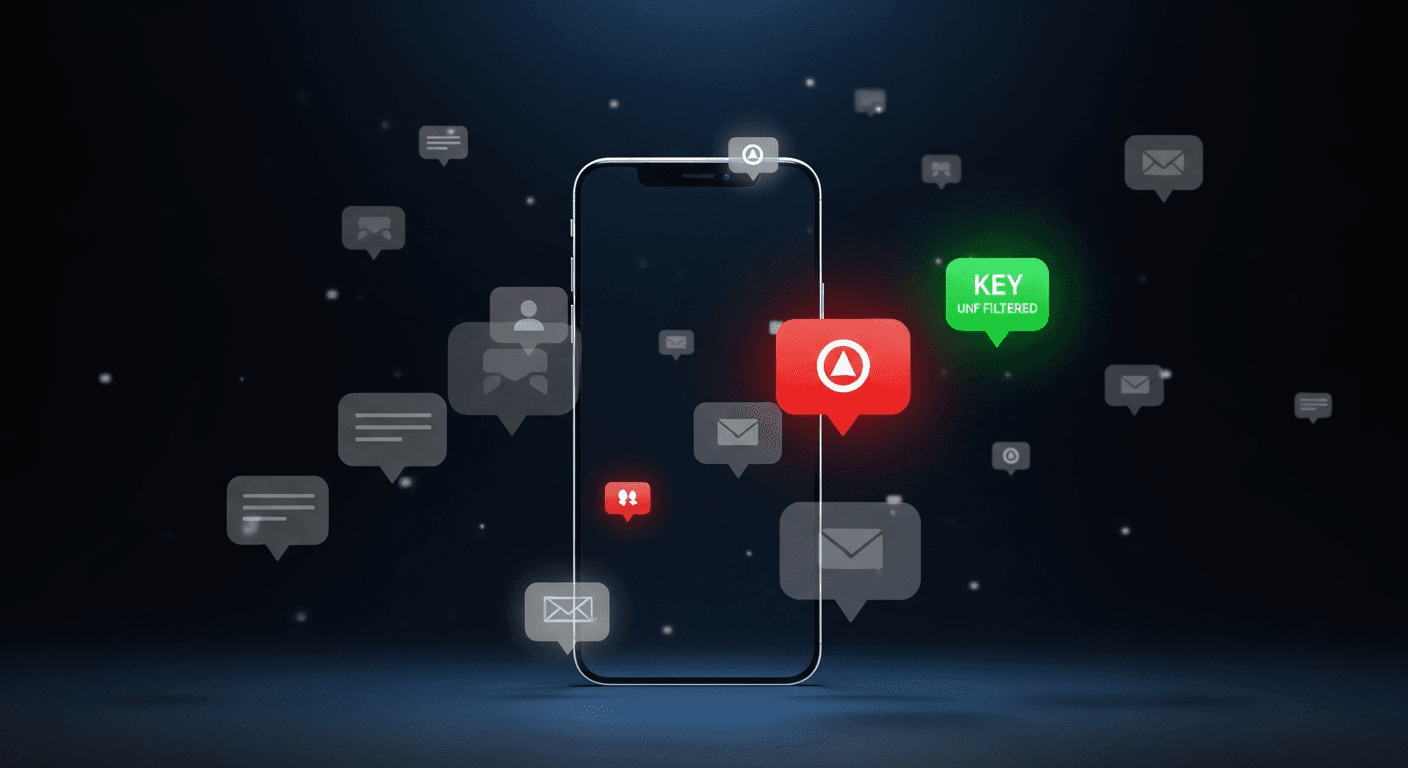
Notification fatigue kills apps. If every incident within 50 kilometers triggered a push notification, you'd disable them within a day. And then you'd miss the one alert that actually mattered.
Chipon's smart notification system is designed around a single principle: every notification you receive should be worth the interruption.
Here's how we make that happen.
The Filtering Pipeline
When a new incident is created on Chipon, it doesn't immediately blast out to every nearby user. Instead, it enters a five-stage filtering pipeline:
Stage 1: Geographic Relevance
We check your notification radius — the area around your home, work, or current location that you've told us you care about. Default is 5 kilometers. If the incident is outside this radius, it's filtered out.
But it's not a simple circle. We use route-aware proximity: if an incident is on a road you frequently travel (based on your saved routes), it passes the filter even if it's slightly outside your radius.
Stage 2: Severity Threshold
Your notification preferences include a minimum severity setting. If you've set it to “High,” you won't be notified about low or medium severity incidents. Only high and critical alerts get through.
This is where the magic happens for power users. Someone who checks the app frequently can set a high threshold — they'll see lower-severity incidents when they open the map, but only get pushed the important ones.
Stage 3: Category Filtering
You can toggle specific incident categories on or off. Don't care about road closures? Turn them off. Want to see every fire report? Keep that on. This granularity lets each user customize their alert profile to match their actual risk concerns.
Stage 4: Quiet Hours
Between your configured quiet hours (say, 11 PM to 6 AM), only critical severity incidents break through. An armed robbery in progress at 2 AM will wake you up. A power outage will wait until morning.
This is the feature users tell us they love most. It acknowledges a simple truth: sleep is a safety tool. A well-rested person makes better decisions tomorrow than an alert-fatigued one making bad decisions tonight.
Stage 5: Critical Override
Regardless of all other settings, critical incidents within 1 kilometer of your location always get through. This is the safety net. If there's an active armed robbery on your street, you will know about it — period.
The Results
Our filtering system reduces the total notification volume by an average of 87% per user. That means for every 100 incidents that occur near you, you receive about 13 notifications — the ones that are genuinely relevant to your safety profile.
Users who configure their preferences (instead of using defaults) see even better results: 95% reduction in volume with zero reduction in relevant alerts.
What We Don't Do
A few deliberate design decisions:
- We don't use AI to predict what you want. Your preferences are explicit. You set them, we respect them.
- We don't batch notifications. Safety information is time-sensitive. A 15-minute digest is useless for an incident happening now.
- We don't sell notification priority. There's no promoted alert, no sponsored safety content. Every notification earns its place through the filtering pipeline.
Configuring Your Perfect Setup
Open Chipon, go to Profile, and tap Notification Preferences. We recommend:
- Set your radius to match your actual daily movement range — usually 5-10 km.
- Set minimum severity to Medium if you check the app regularly, or High if you prefer fewer, more critical alerts.
- Turn off categories that don't affect your routine (e.g., power outages if you have a generator).
- Set quiet hours to your actual sleep schedule.
- Keep critical override on. Always.
Smart notifications aren't about sending less — they're about sending right. Configure yours today and experience safety intelligence that respects your time and your peace of mind.